Skip to Content
Staff Directory

Find the right person in seconds.

A searchable directory for every school, filled from your staff data. Families find teachers, departments and contact details without hunting.

No login needed. Nothing you do in the demo is sent anywhere.

Why It Works

What Staff Directory does for you

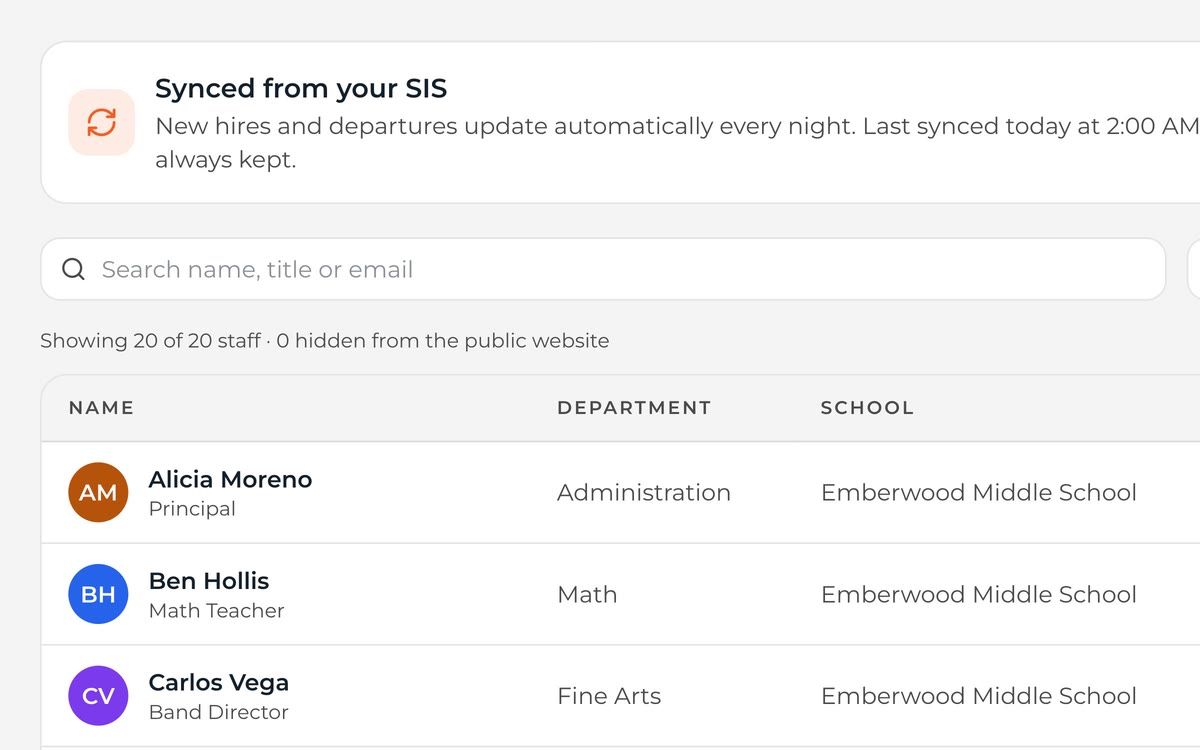
Staff directory synced from the SIS, with department, school, contact and website visibility for each person.
New hires and departures update with your nightly sync.
01

Synced From Your Data

New hires appear and departures disappear with your regular data sync.

See It in the Demo

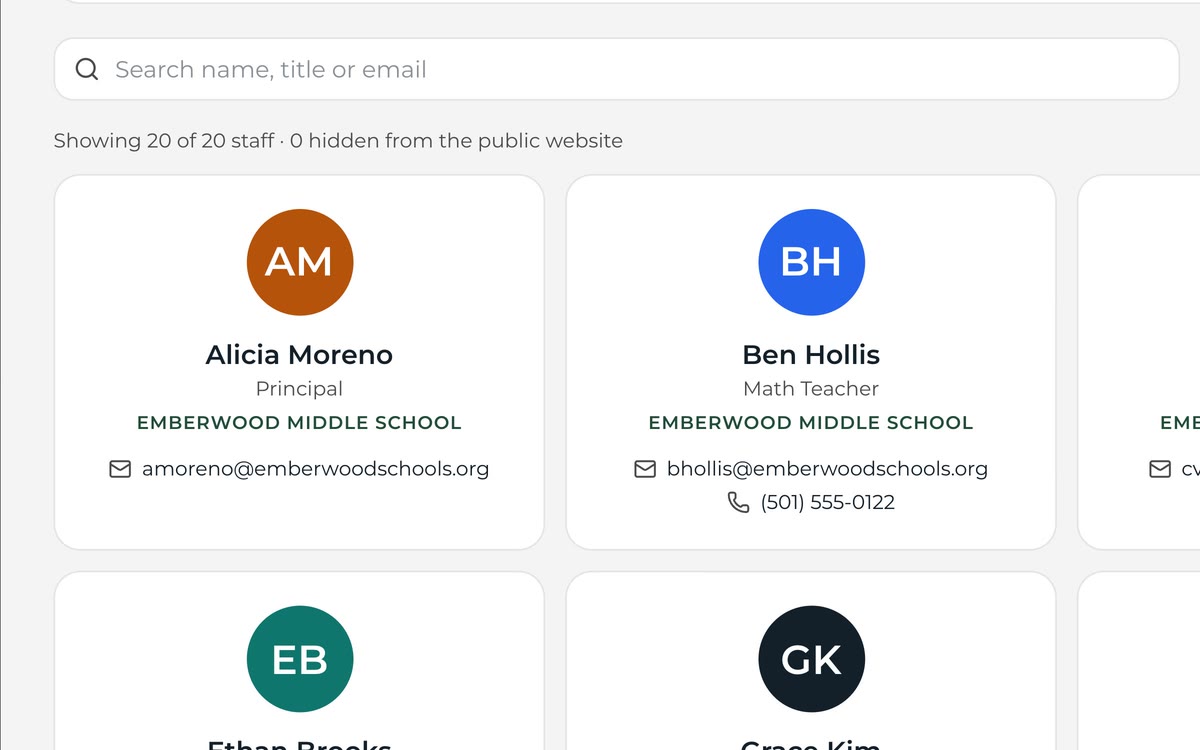
Staff directory card view with photos, roles and contact details.
Choose what shows publicly, person by person.
02

You Choose What's Public

Show or hide phone numbers, emails and photos by role.

See It in the Demo
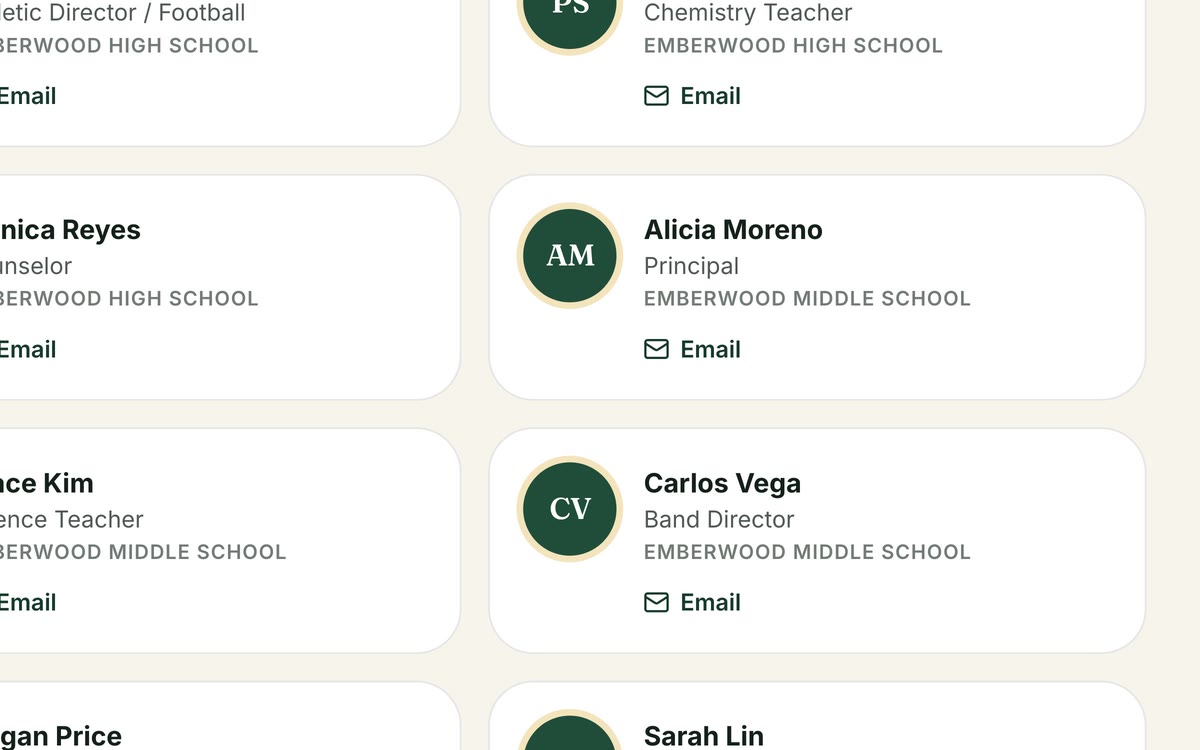
Public staff directory page on the district website.
Families find staff without seeing personal emails.
03

Message, Don't Expose

Families can message staff through Hearth instead of seeing personal emails.

See It in the Demo

How It Works

Up and running in three steps

  1. Step 1: Sync Staff

    Staff come in from your student information system.

  2. Step 2: Set Visibility

    Decide which fields show for each role.

  3. Step 3: Publish

    Drop a directory block onto any page.

What's Included

All of it, in every plan

No add-on modules and no premium tier. Every district gets the full platform for one flat annual price.

  • Search and filters
  • Department and school grouping
  • Photo support
  • Field-level visibility
  • Directory blocks for pages
  • App directory

FAQ

Questions, Answered

Can staff update their own bios?
Yes. Staff can edit their bio and photo; admins control everything else.

See Staff Directory With Your Own District

Send us your website address. We'll build a working preview with your logo, colors and real content — free — and walk you through it.