
Brand Kit
On-brand everywhere, without policing it.
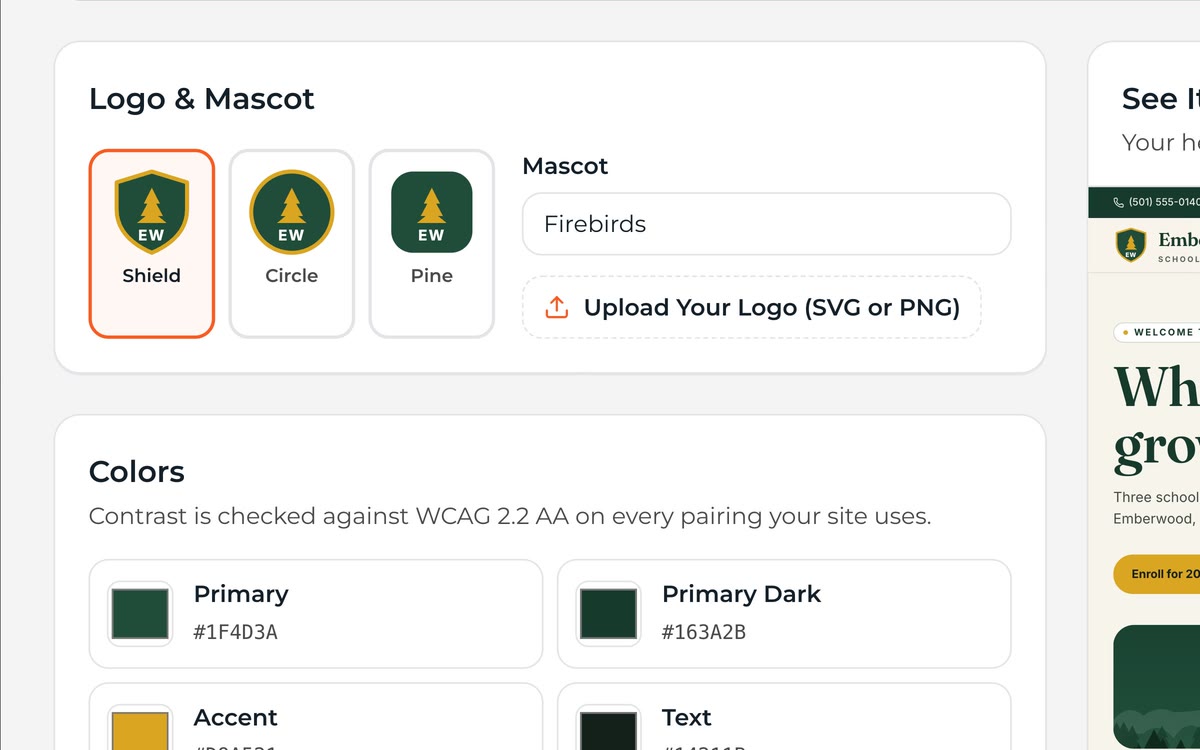
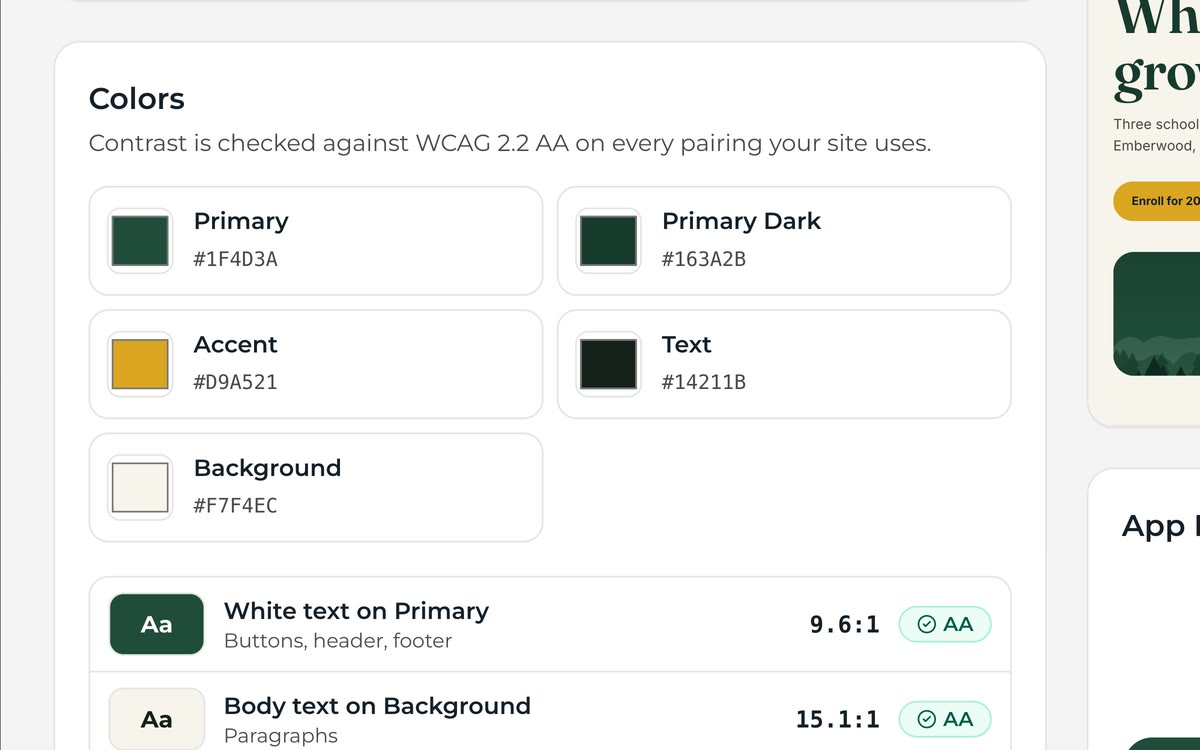
Set your colors, fonts, logos and mascots once. The Brand Kit flows into your websites, app, newsletters and social graphics — and checks contrast as you go.
No login needed. Nothing you do in the demo is sent anywhere.
Why It Works
What Brand Kit does for you
03
School Sub-Brands
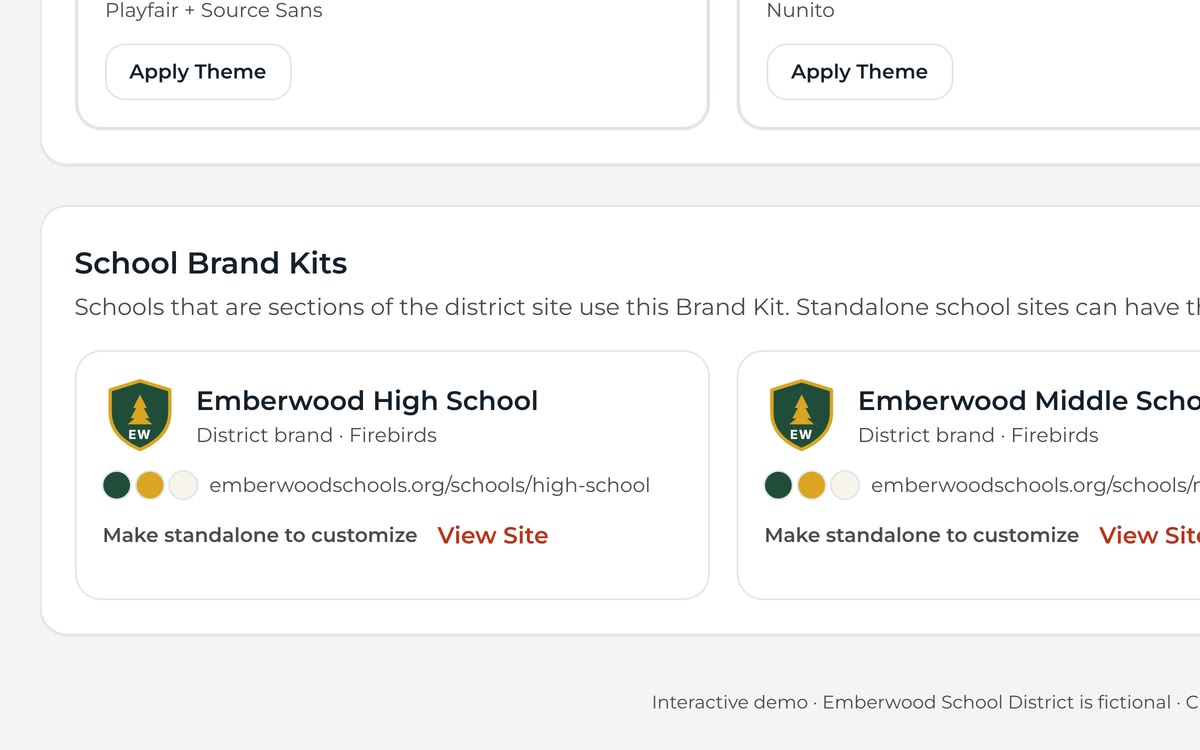
Schools get their own colors and mascots within the district system.
See It in the DemoLogo Library
Approved logos in every format, ready for staff to use.
How It Works
Up and running in three steps
Step 1: Upload Logos
Add primary and secondary marks.
Step 2: Set Colors and Fonts
Contrast checks flag risky combinations.
Step 3: Apply Everywhere
Themes, templates and the app update together.
What's Included
All of it, in every plan
No add-on modules and no premium tier. Every district gets the full platform for one flat annual price.
- Color palettes
- Font pairing
- Logo and mascot library
- School sub-brands
- Contrast checks
- Theme sync to web, app and email
FAQ
Questions, Answered
Can schools change district colors?
Only within the limits you set. District admins decide what schools can customize.
See Brand Kit With Your Own District
Send us your website address. We'll build a working preview with your logo, colors and real content — free — and walk you through it.